
Venue POS
Your venue command center.
Manage orders, tables, payments, inventory, staff, customers, reports and daily operations from one powerful POS.
- Orders
- Tables
- Payments
- Reports

Product
Counter, table, kiosk, online, kitchen, stock and delivery — connected, so an order is only ever typed in once.
Product ecosystem
From the QR scan at the table to the payment at the counter, every surface shares the same live data — so your team and your customers always see the same truth.
Your venue command center.
Manage orders, tables, payments, inventory, staff, customers, reports and daily operations from one powerful POS.
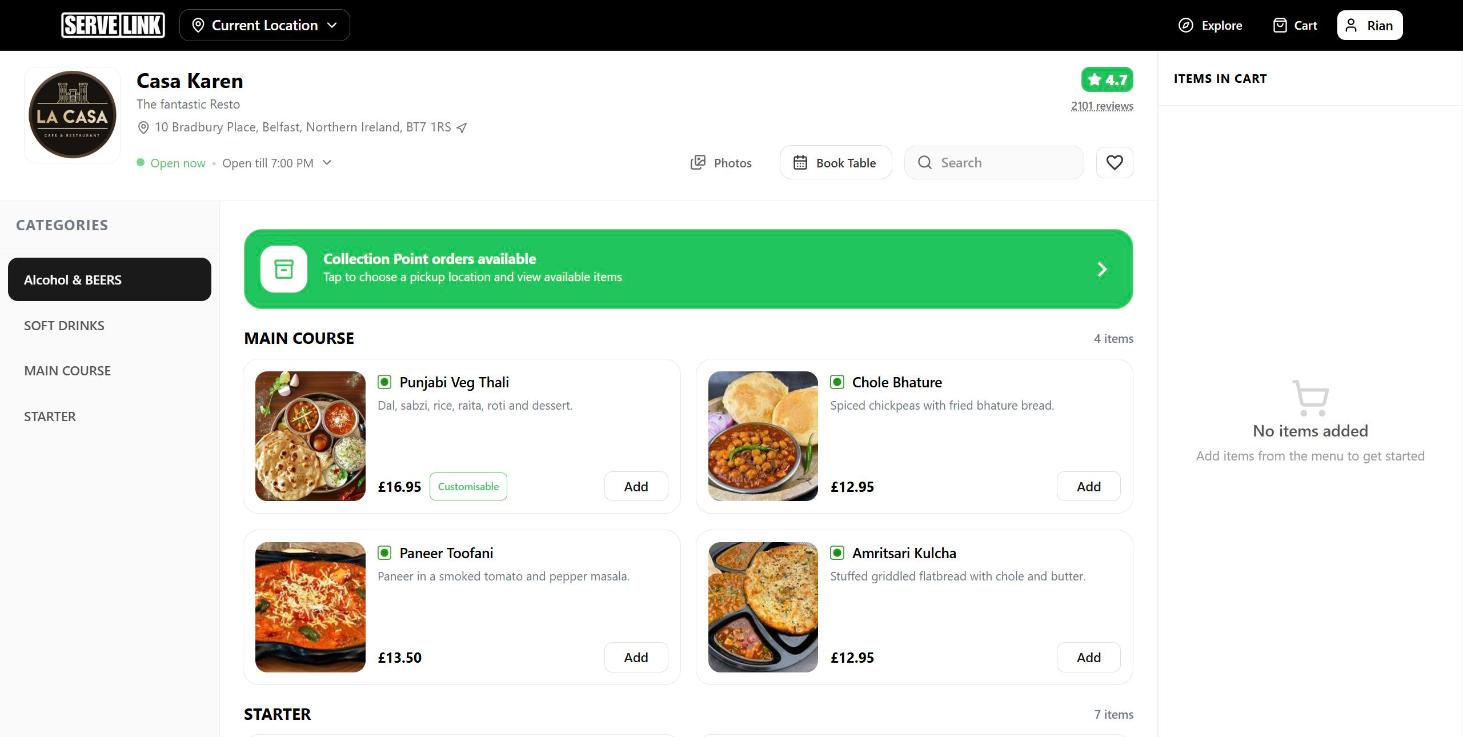
Give customers a better way to order.
Let customers discover venues, browse menus, place orders, track deliveries, book tables and manage their preferences.
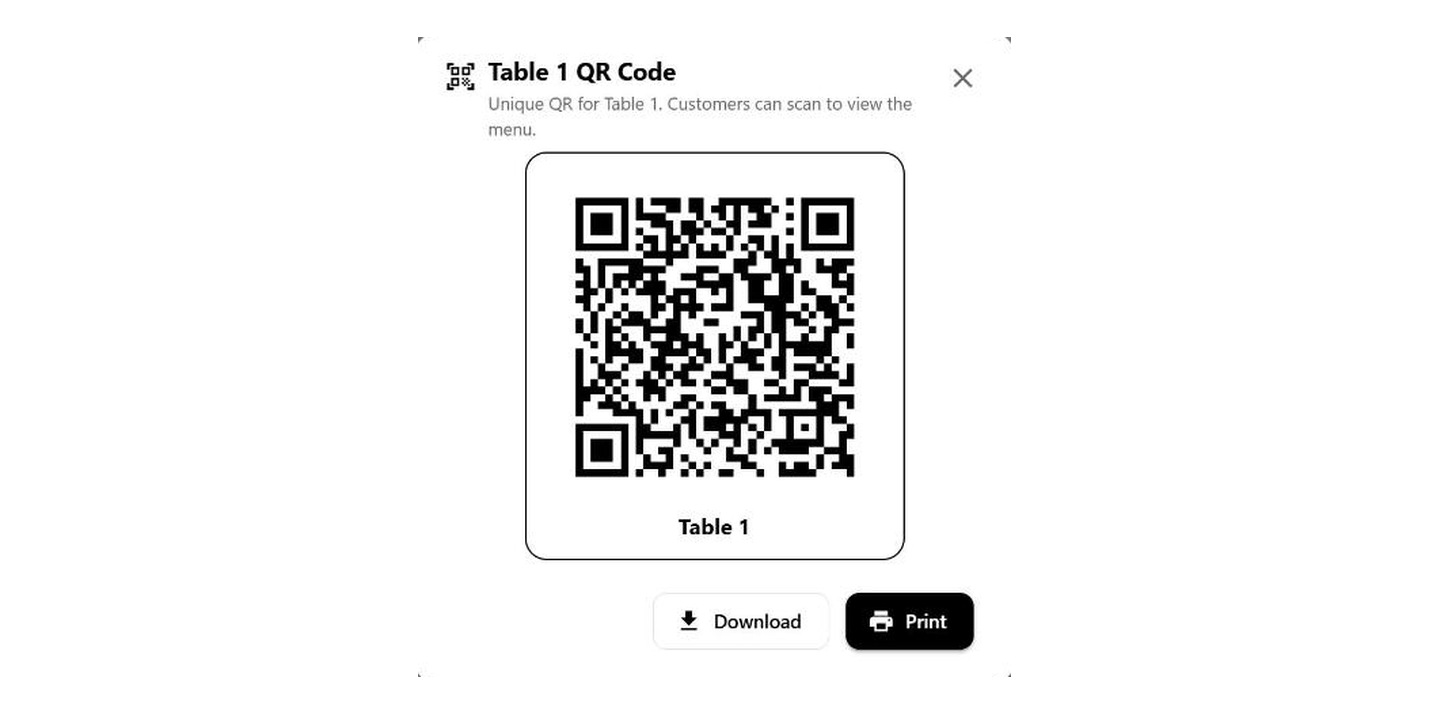
Turn every table into a digital ordering point.
Customers scan, browse the menu, customise items, place orders and pay — without waiting for a server.
Keep orders moving from kitchen to customer.
Send orders directly to the kitchen, manage chefs and preparation, assign deliveries and track order progress.
Feature showcase
Pick the part of your service you want to see. Each module is designed around what actually happens on a busy shift.
One counter screen for every order type, every payment method and every customer record.
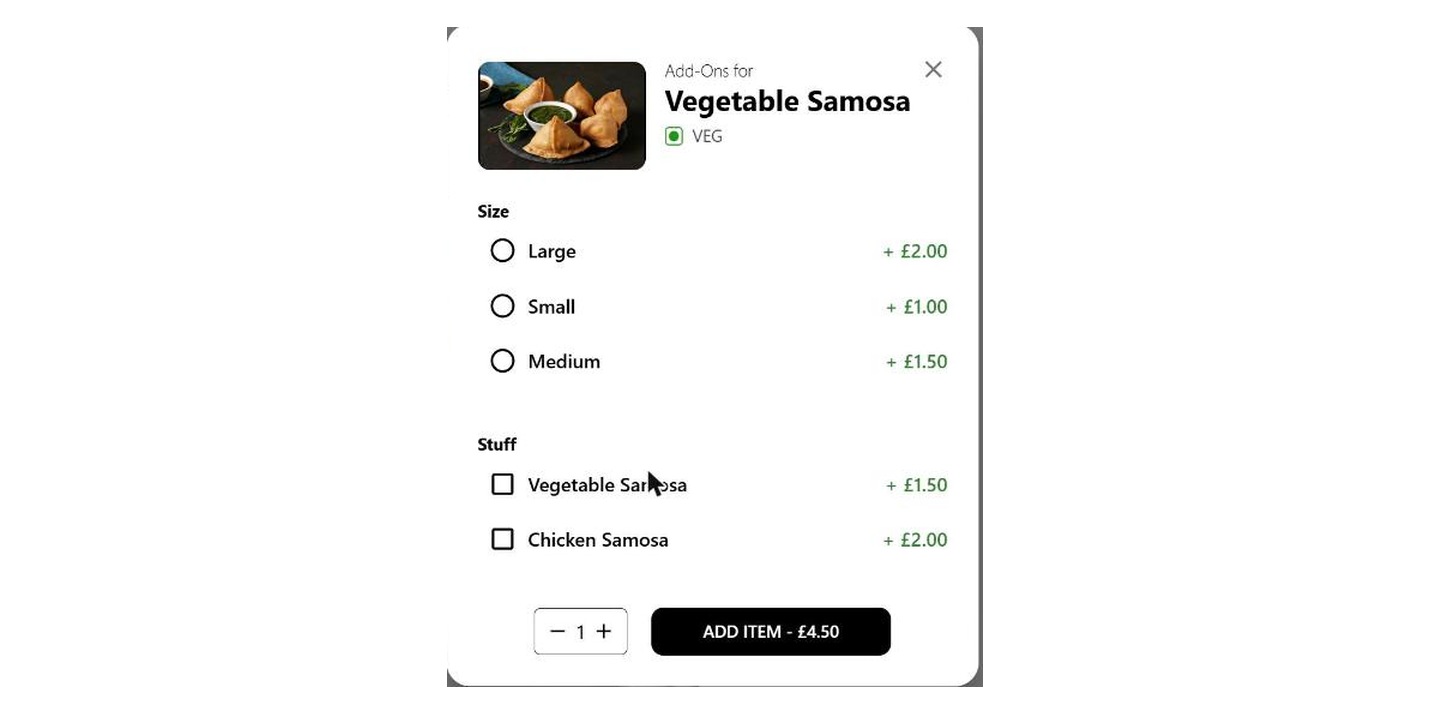
Customers sharing a table can split the bill by people or item-wise, and pay separately.
Niamh
Paid£10.00
Tom
Paid£7.95
Grace
Paid£11.45
How it works
Most venues juggle one tool for the counter, another for the kitchen, a spreadsheet for stock and an app for delivery. Here it is five steps in one place, with nothing re-typed between them.
Customer scans the table QR.
Browse the digital menu and customise items.
Order goes directly to the venue POS and kitchen.
Chef receives the order and prepares it.
Customer pays and the order is completed.
Customer experience
From scanning the table QR to leaving a review, the whole journey happens in one continuous flow.
Casa Karen
Table 04 · Dine-in
Paneer Tikka
Customise · 4 options
Contains dairy — matches your saved preference
Split bill enabled
Pay online
Track order
Analytics
Turn your venue data into actionable insights — sales, order mix, top items, table performance and kitchen speed, all in one place.

Integrations
Available integrations depend on your configuration.
Built for reliable service
Bring your POS, ordering, kitchen, customers and operations together with Serve-Link.
